

Mac Mini 2024: First Impressions and Teaser for the Review
I got the new Mac Mini 2024 from Apple and will be thoroughly testing what this little powerhouse with the new M4 chip can do in the coming weeks. But before the full review comes out, I want to share my first impressions with you – and yes, there’s a lot I’m looking forward to!
My Entry into the Mac World – and Why the Mac Mini?
Although I am actually a die-hard Windows user, I have had various encounters with Macs throughout my professional life. Over 17 years ago, I had a MacBook, then a MacBook Pro, and later an iMac, but I never really got comfortable with macOS. Nevertheless, there are tasks that can simply be done better or only on a Mac – such as app development with Xcode.
That was exactly one of the main reasons why I got the new Mac Mini. With a starting price of 699 euros for the base version, it is an extremely attractive device – especially in combination with its energy-efficient power consumption and compact size.
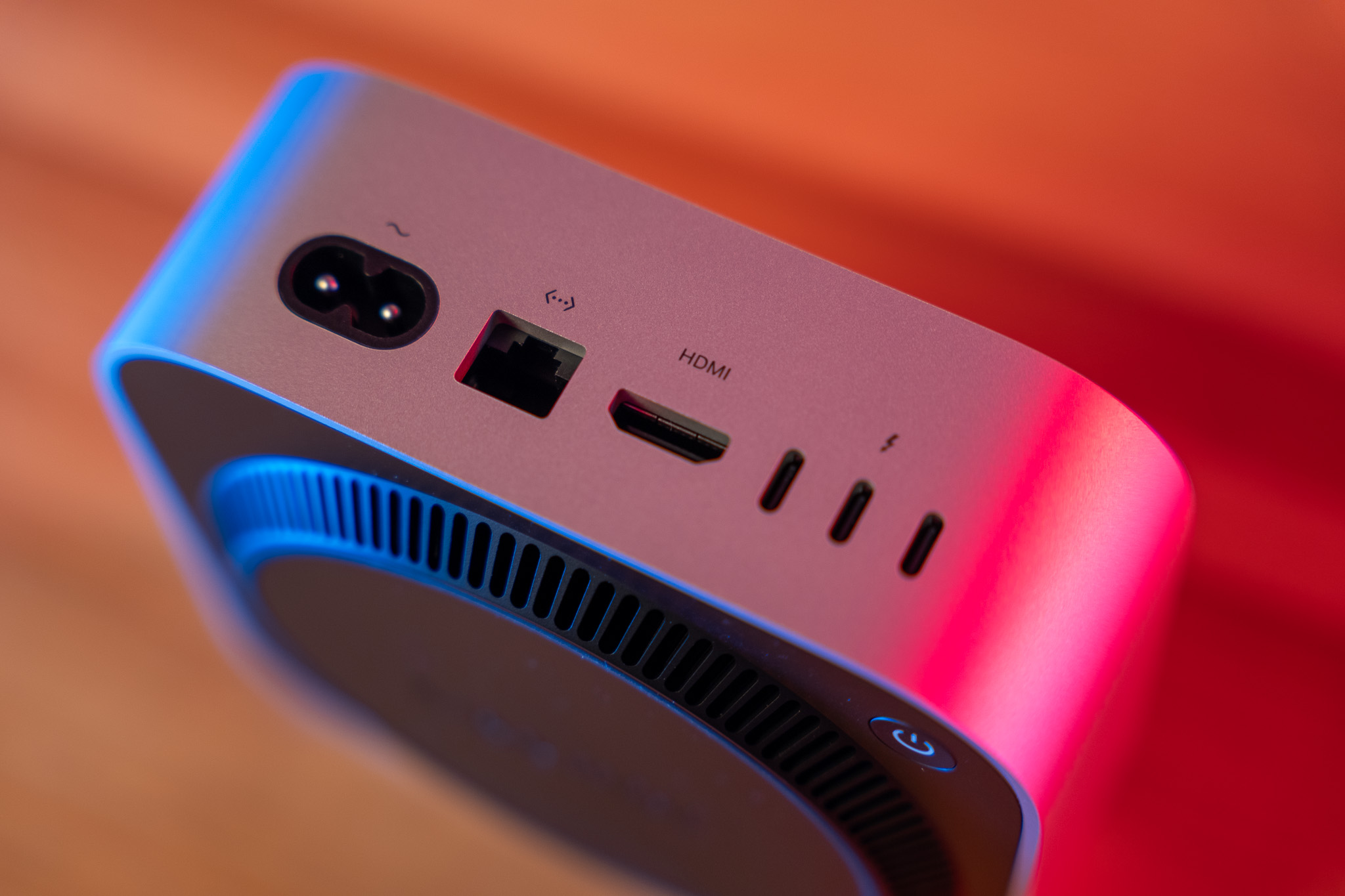
The Specifications of My Mac Mini
I chose the basic version so:
- M4 chip
- 16 GB RAM
- 256 GB SSD storage
Why the base version? Quite simple: The additional costs for extra storage options are traditionally very high at Apple. For example, 512 GB of SSD storage costs a hefty 200 euros more. Instead, I will simply connect an external hard drive to expand my storage space.
What I Plan to Do with the Mac Mini
The Mac Mini is not meant to replace a high-end machine in my setup, but rather to complement my powerful Windows PC with an Nvidia 3090 and 128 GB of RAM. Nevertheless, I have some exciting use cases in mind:
- Xcode: I want to experiment with app development.
- iMessage and iCloud Photos: Finally seamless integration into the Apple ecosystem – something I always missed on my Windows PC.
- Edit videos and photos: I’m curious if the Mac Mini performs well with tools like Topaz Labs or video editing software.
- Everyday Tool: Whether I can also handle some routine tasks with the Mac Mini remains to be seen.
First Impressions and Setup
The setup was absolutely straightforward:
- A USB-C cable connected from my monitor, dug out an old keyboard and mouse – and everything was up and running.
- The Mac Mini lives up to its name: small, minimalist, and stylish.
- The device comes with a power cable, and that’s it – typical Apple cost-cutting policy, but at least the design fits perfectly on my desk.
What’s Next?
Over the next few weeks, I will be testing the Mac Mini intensively and posting regular updates on my blog. I aim to find out how well it performs in everyday use and whether it can keep up with more demanding tasks like video editing or upscaling footage.
So stay tuned, as the complete review will be coming soon – featuring photos, benchmarks, and my personal experiences!
Until then: What would you like to know about the Mac Mini 2024? Write it in the comments!
Shopping Links
On this page, you will occasionally find links to products on Amazon. If you make a purchase through one of these links, I will earn a small commission – the price remains unchanged for you.
With your purchase, you support my blog and help me continue creating exciting content and reviews for you. Thank you for your support!
My Mac mini M4 (2024)
Here you can find the Mac mini in its smallest configuration:
Price: 549 Euros
More Power
Alternatively, the Mac mini is also available in the Pro variant with 512GB SSD, 24GB RAM, and 12 CPU cores:
Price: 1649 Euros
Accessories
Must-have:


