

The Meta Quest 3 – A Milestone in the World of Virtual Reality
Introduction
The Meta Quest 3 is Meta’s latest standalone VR headset, taking virtual reality to a whole new level. I’ve been using the Meta Quest 3 continuously for over six months – and it impresses not only with its technical performance but also with its versatility. From gaming and movies to productivity: this headset offers everything a VR enthusiast could desire.
Hardware and Design
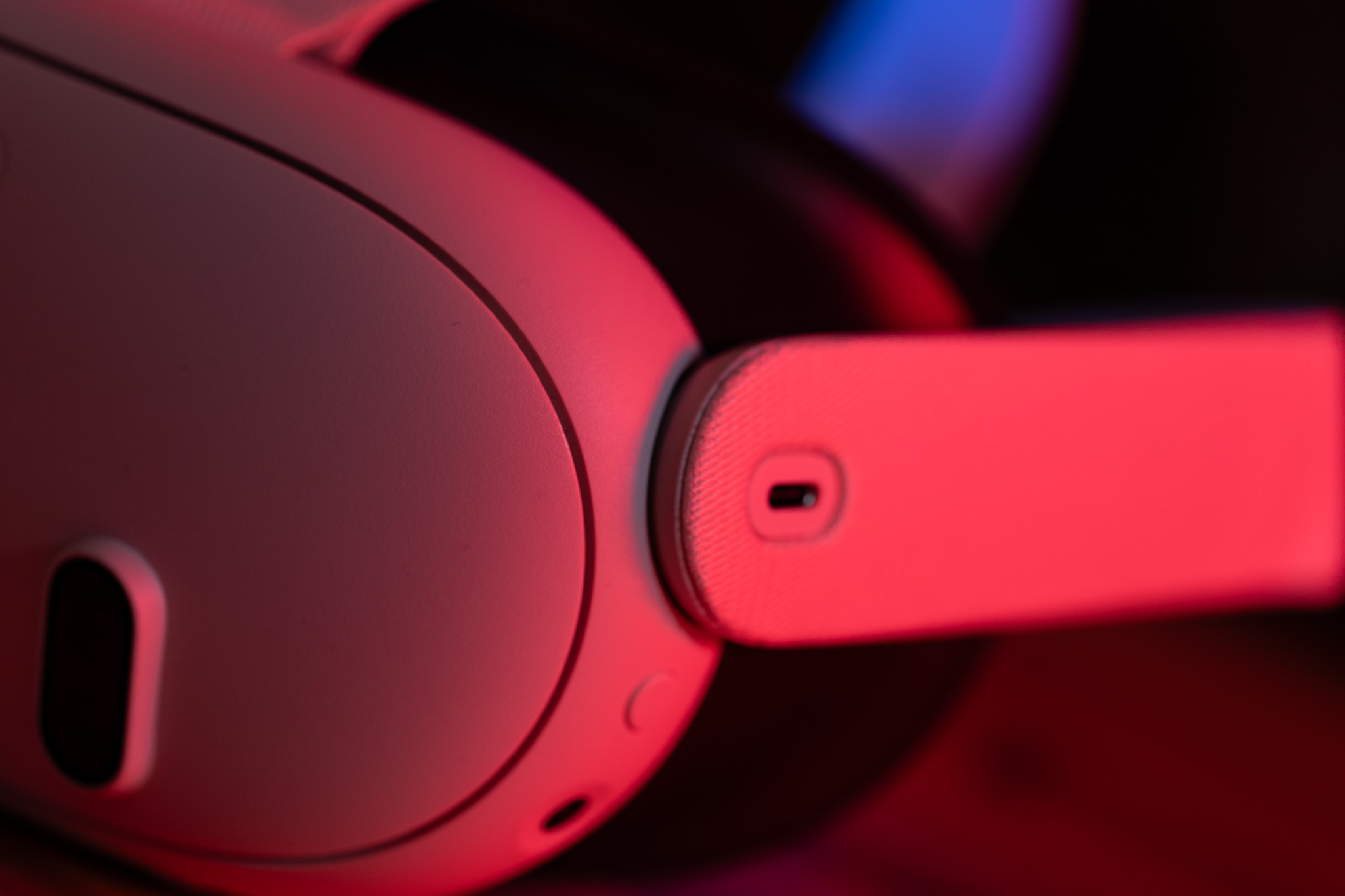
The Meta Quest 3 impresses with its sleek, modern design and high-quality materials. Particularly the resolution of the lenses stands out positively: It is already approaching the visual acuity of the human eye, providing crystal-clear images. Thanks to an improved processor, the headset delivers enough power for demanding VR experiences.
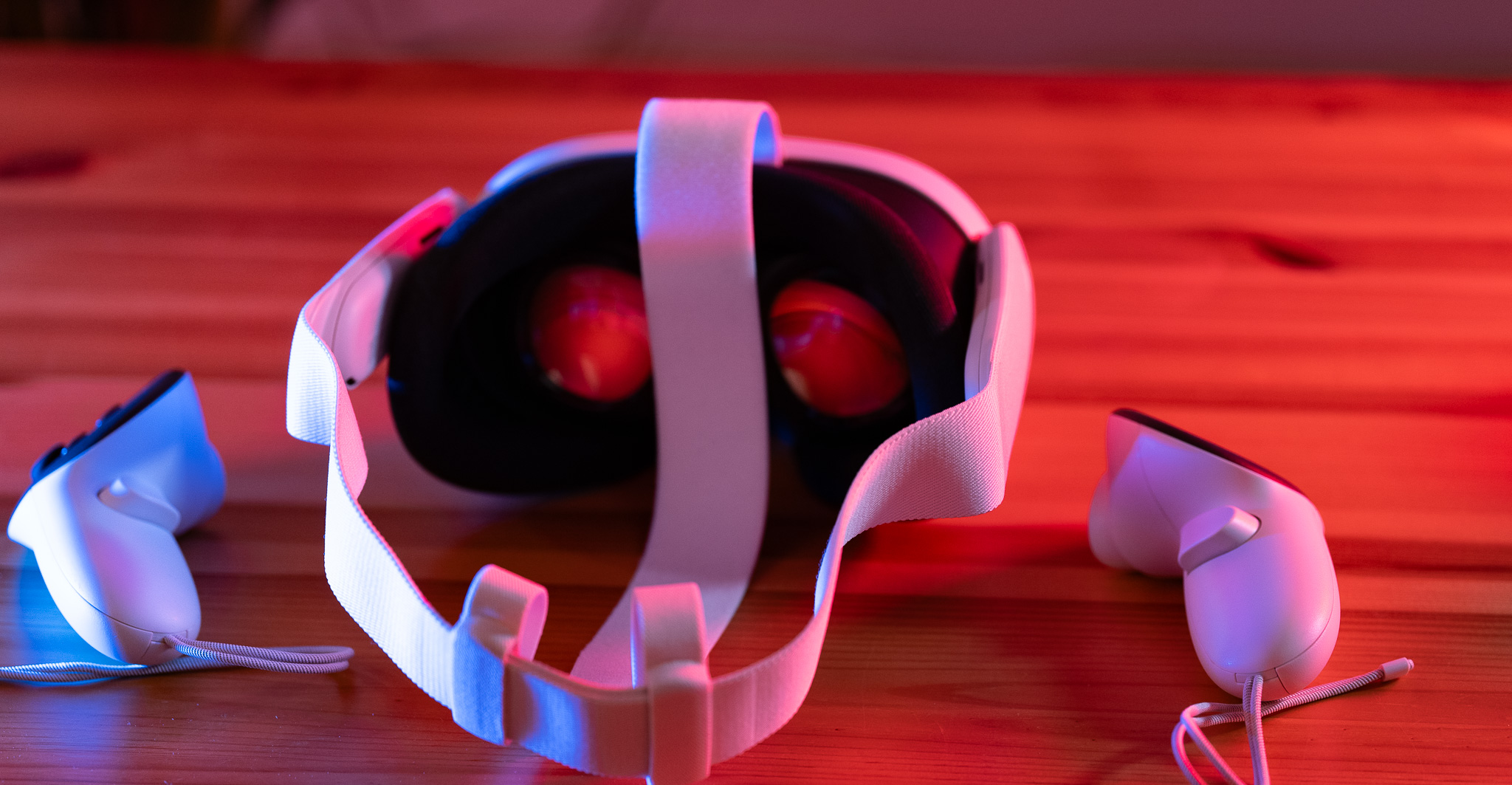
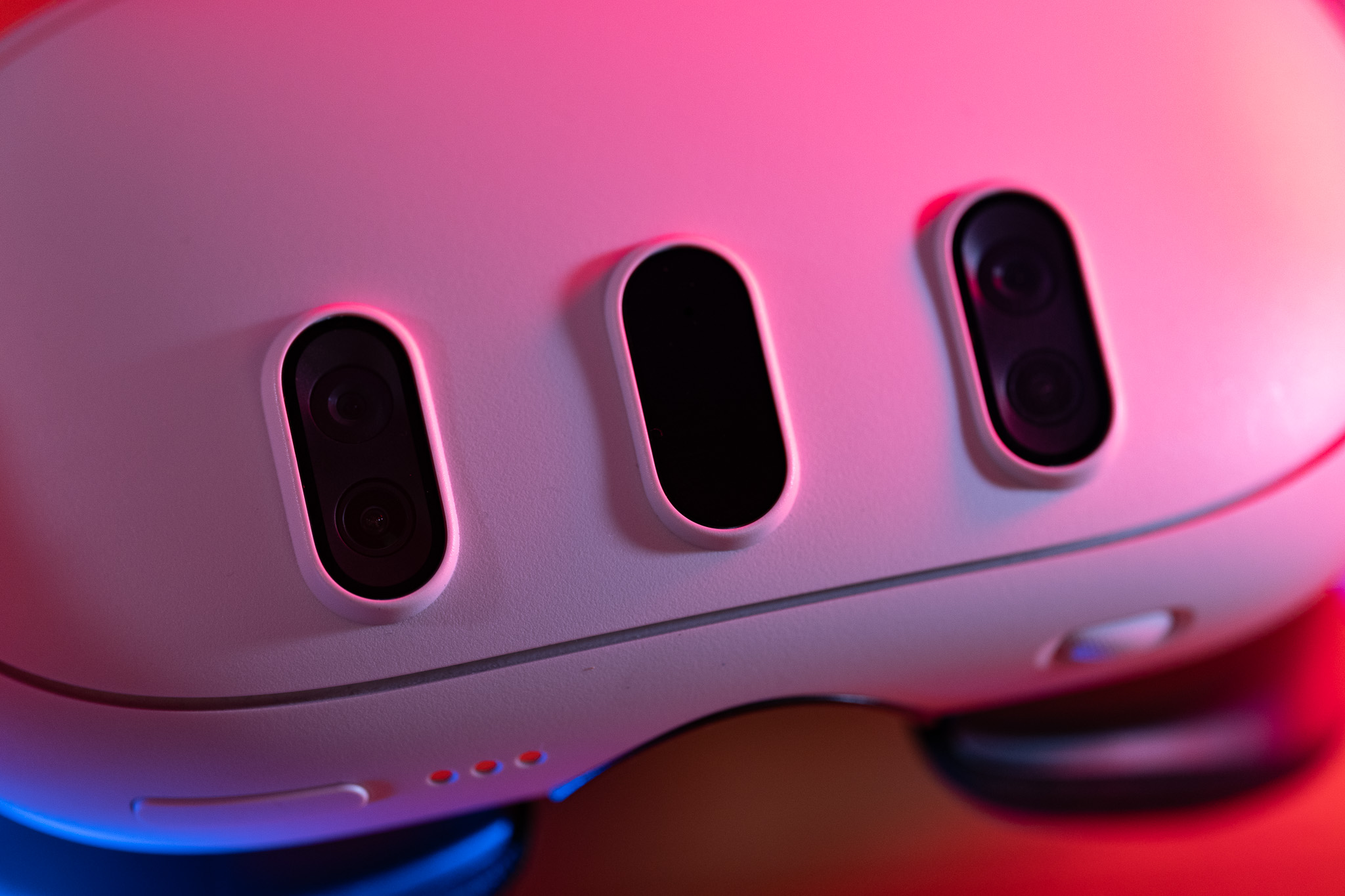
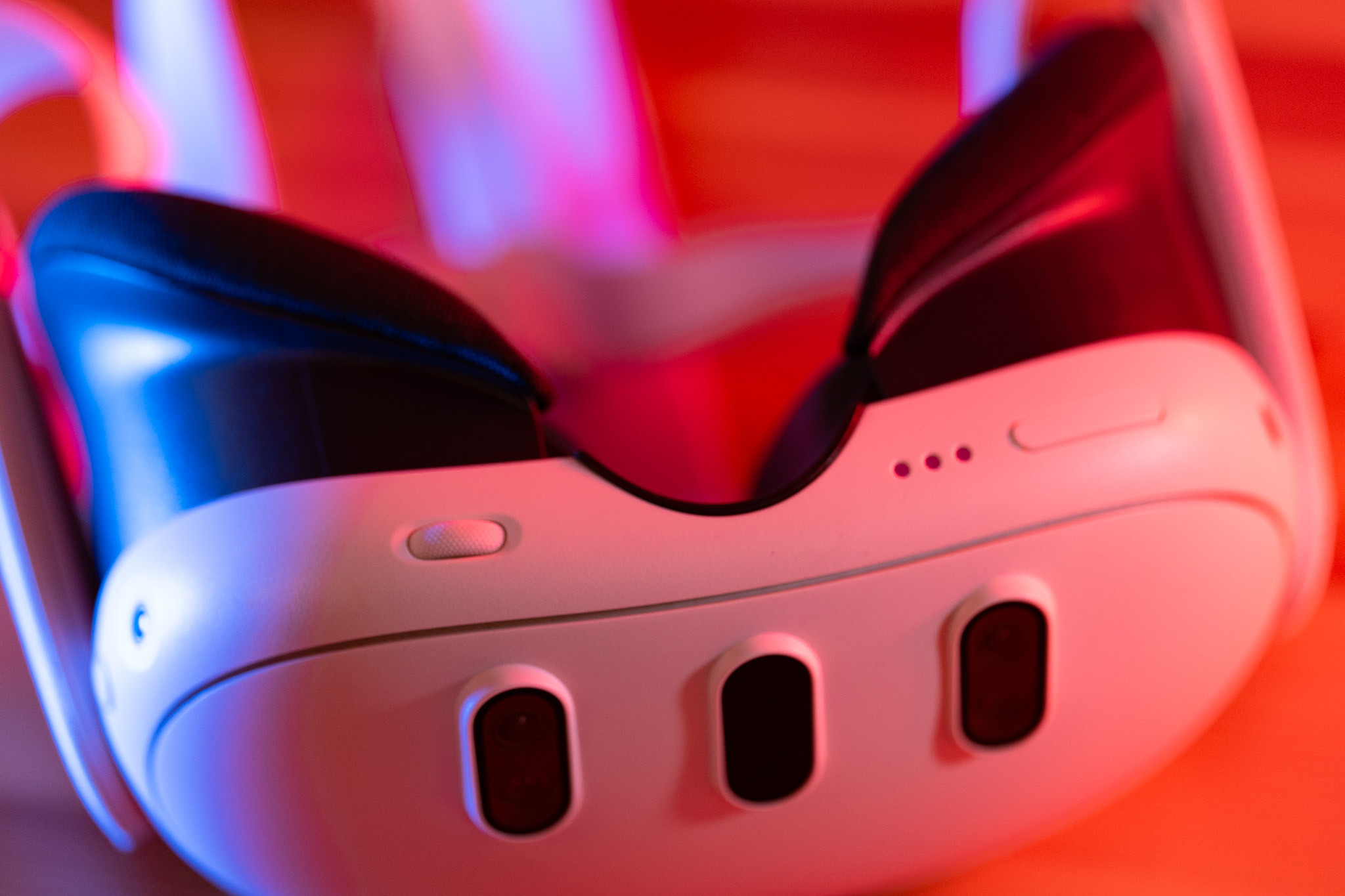
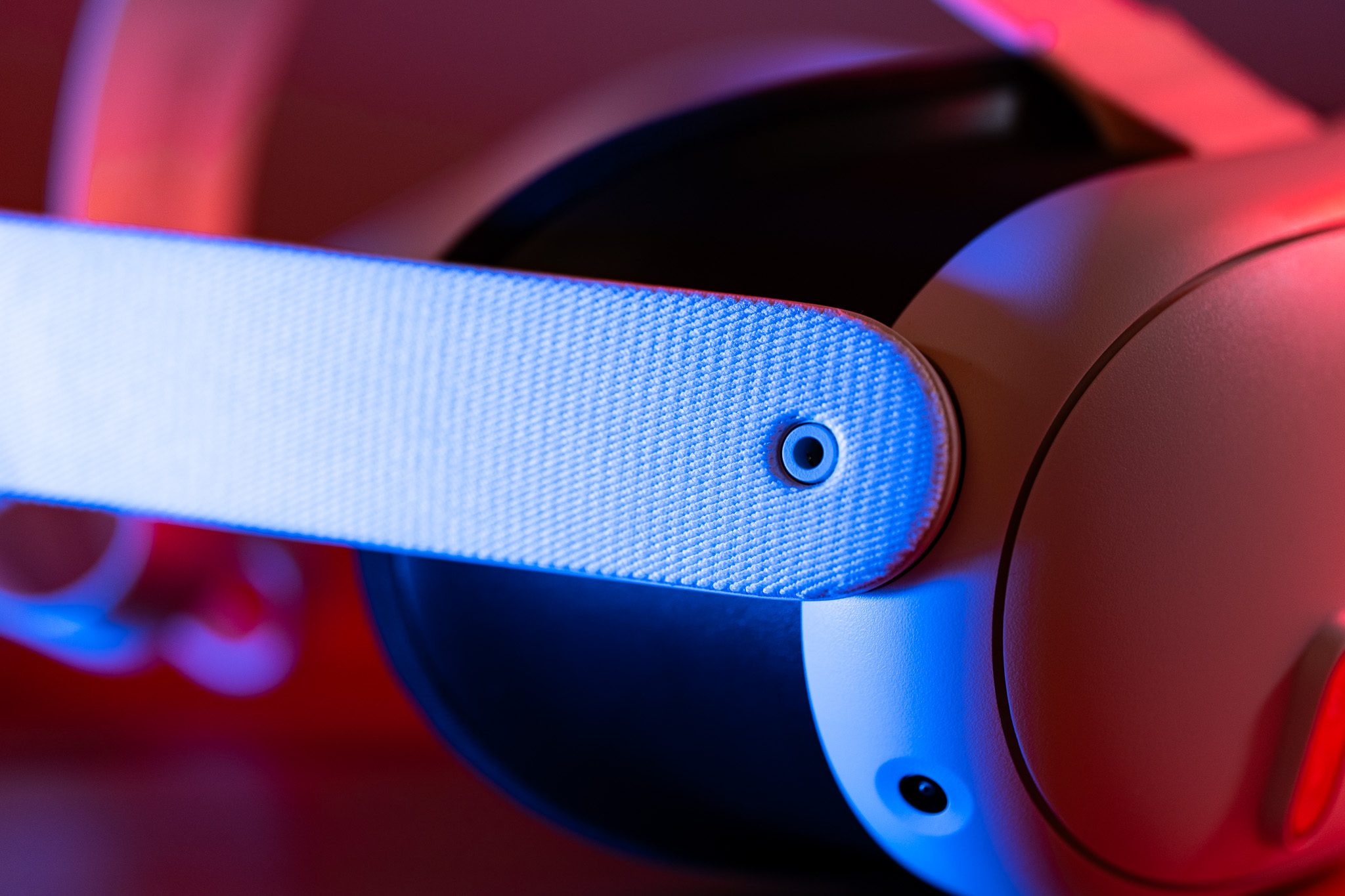
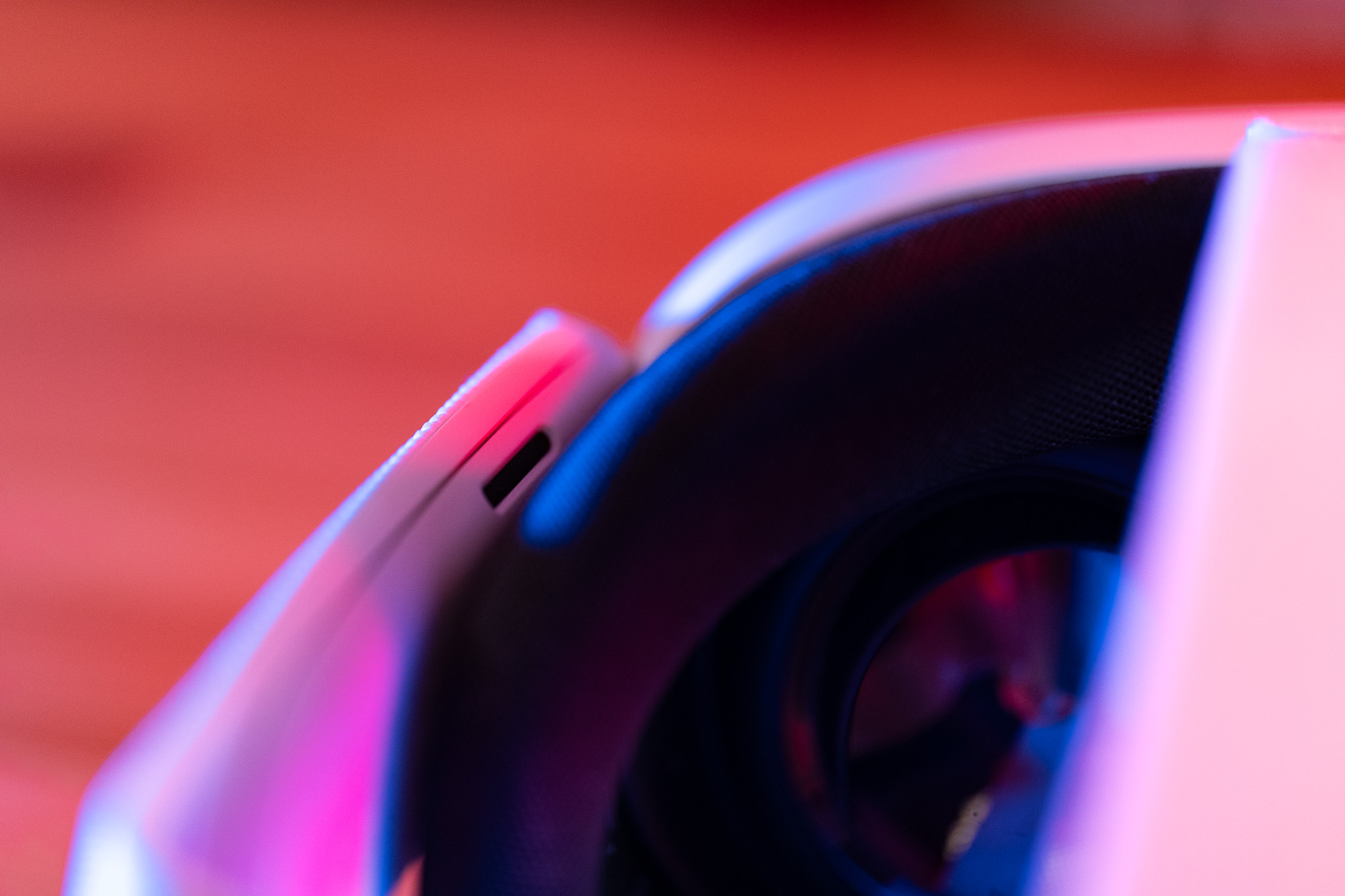
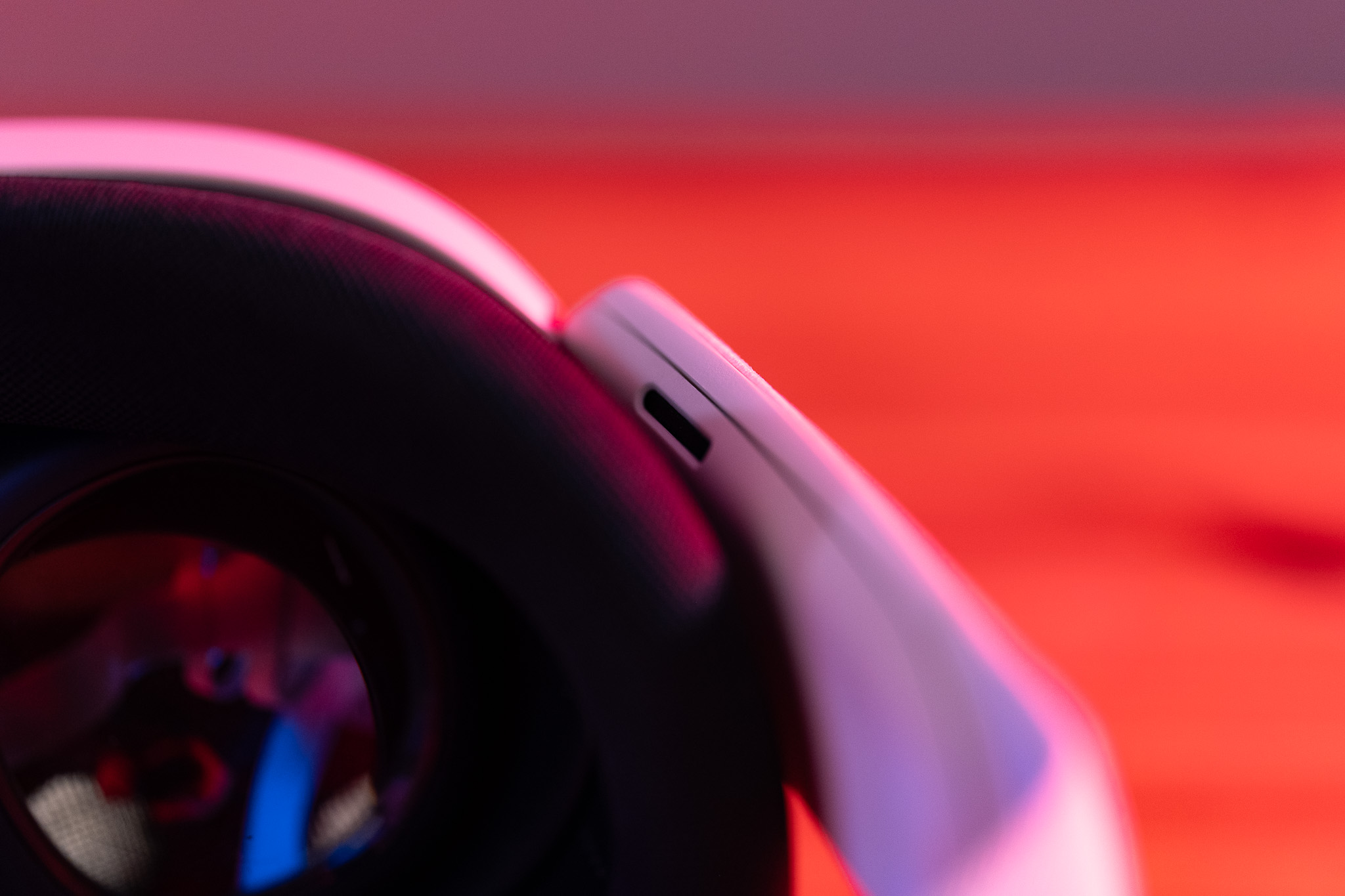
But it’s not just the hardware that is making a leap forward. The Meta Quest 3 also integrates Augmented Reality (AR). With the headset’s cameras, you can see your surroundings and combine them with virtual elements. Although the resolution of the AR view still needs improvement, this feature offers a real convenience in everyday life. No more blind fumbling – everything is in sight.
The Story Behind Meta Quest
Meta’s VR journey began with Oculus, a company founded by Palmer Luckey. Everything took off with the Kickstarter campaign for the Oculus Rift. Later, Meta acquired Oculus and consistently advanced the technology. The first Meta Quest was the first standalone VR headset that operated without a PC or console. Since then, Meta has continuously worked on perfection – with the Quest 3 as the pinnacle so far.
Productivity: The Meta Quest 3 as a Work Tool
The Meta Quest 3 is not only suitable for entertainment but also serves as a useful work tool. Thanks to features like screen sharing, you can hold virtual meetings and meet with colleagues in a simulated environment. It feels as if you are all standing together in the same room.
Additionally, the Meta Quest 3 allows for the use of virtual screens. With a laptop and Windows 11, you can work on up to five screens simultaneously – ideal for multitasking or creative projects. Currently, there are still challenges, such as a slight delay when typing if you use your physical keyboard through the AR feature. However, Meta is working together with Microsoft to further enhance the experience. In the future, the Meta Quest 3 could become an even more powerful tool for mobile work.
Gaming: A Paradise for VR Fans
The Meta Quest Store offers an impressive selection of games and apps. Here are some highlights:
In addition, there are numerous simulations such as table tennis, mini-golf, car racing, or golf simulators – there is something for everyone.
Multimedia: Cinema Experience on the Go
The Meta Quest 3 is also perfect for media consumption. You can enjoy your favorite series and movies on a virtual screen – whether at home or on the go. With apps like Netflix or YouTube VR, your content is always at hand, and the massive virtual screen provides a true cinema experience.
Immersion and Interaction
A central highlight of the Meta Quest 3 is the seamless interaction with virtual reality. The headset not only captures your movements in the room but also allows you to transfer them precisely into the virtual world. You can move just as you would in your living room, and these movements are represented 1:1 in the virtual environment.
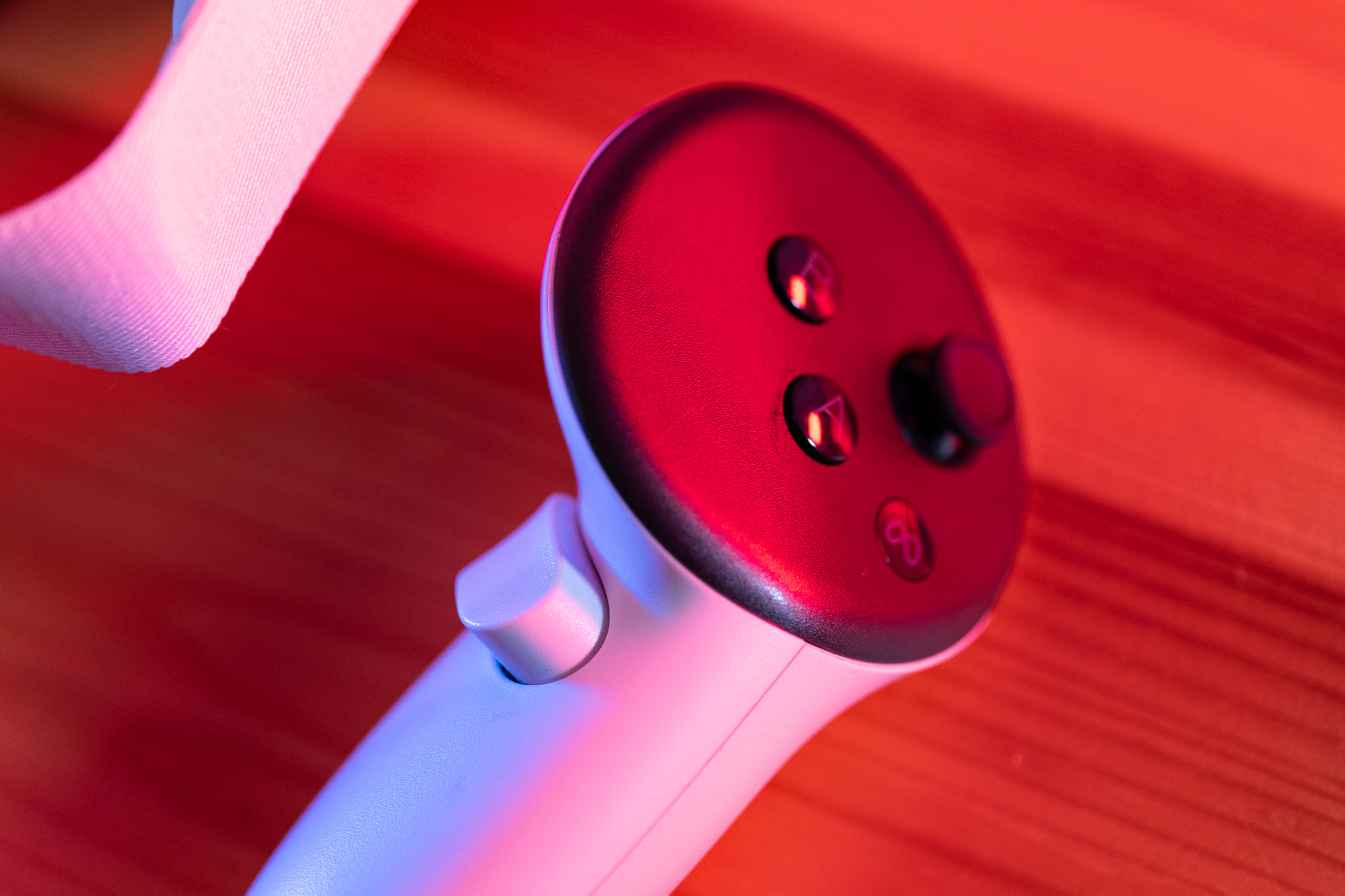
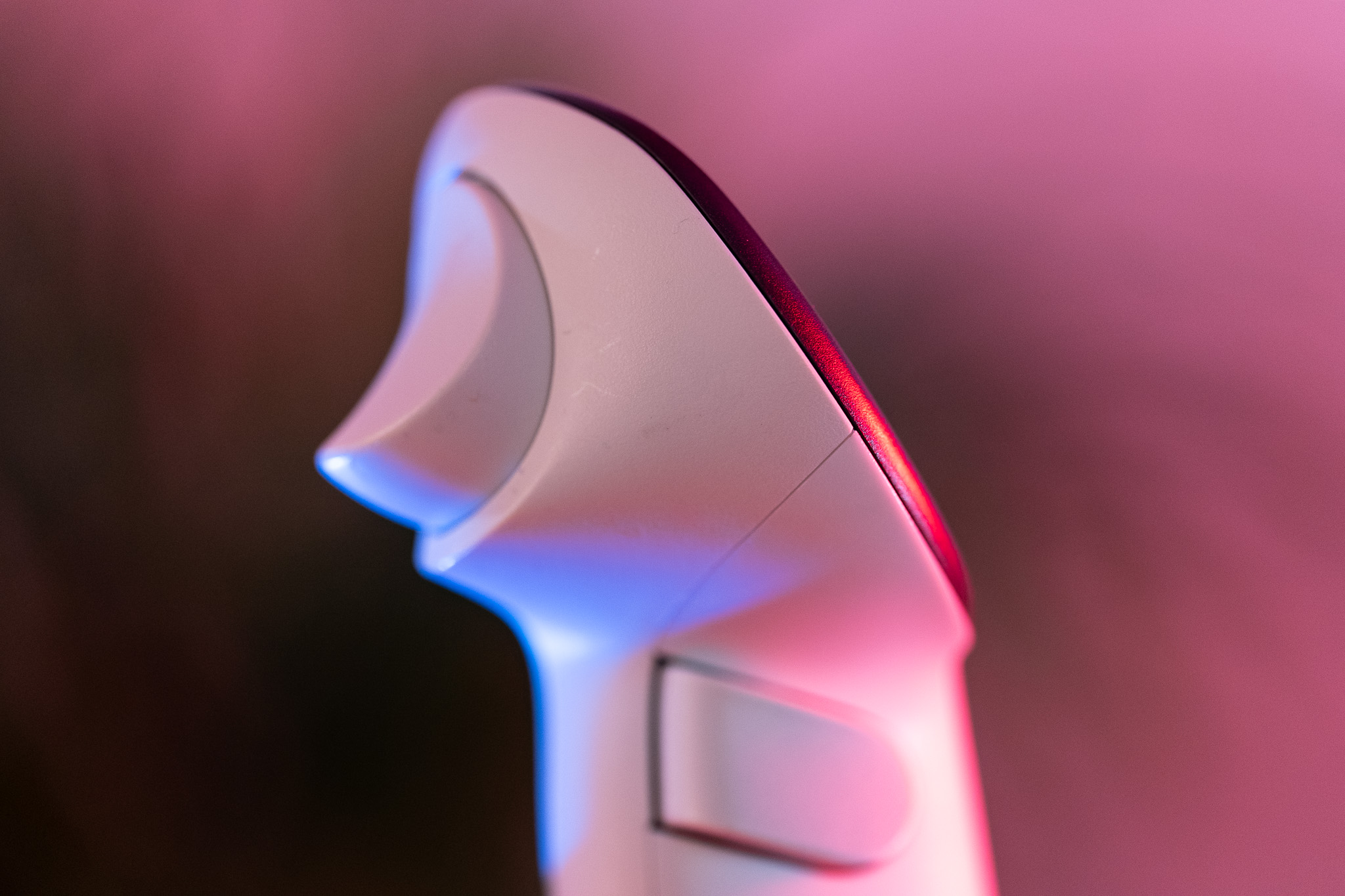
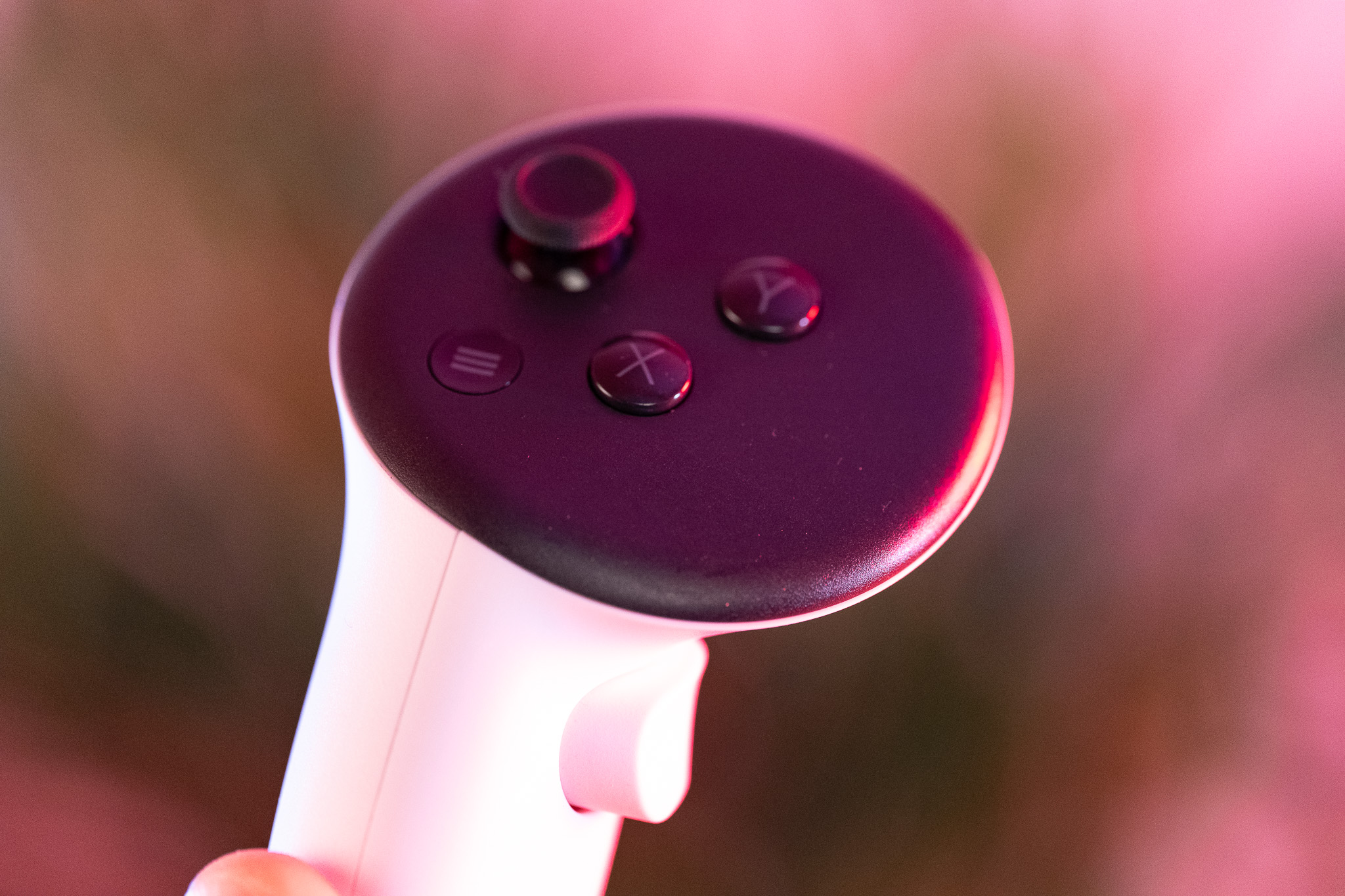
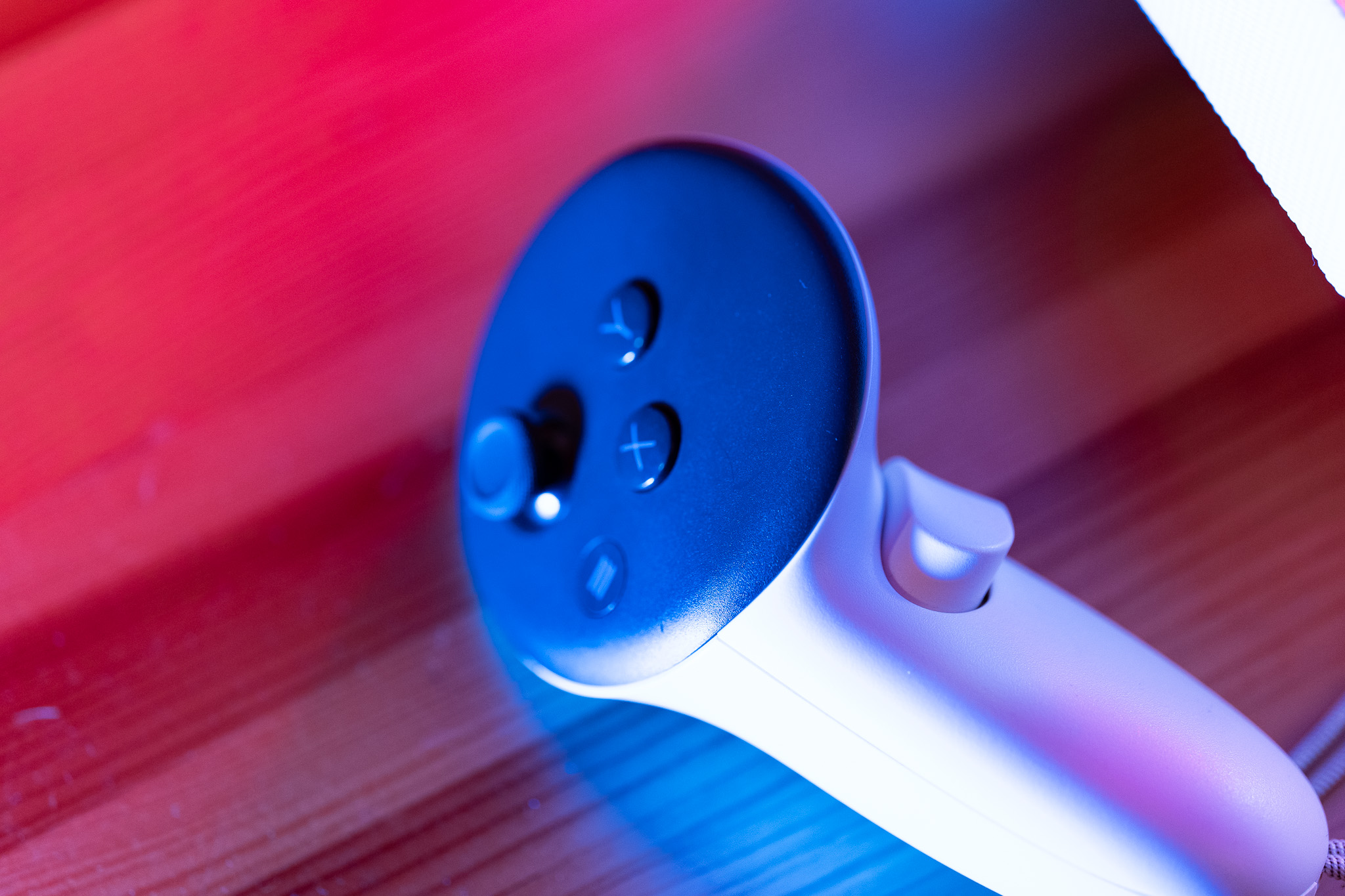
To interact with the virtual world, you have two controllers available for your left and right hand. Each is equipped with two buttons, a stick, and a trigger button. The controllers allow the headset to accurately detect the position of your hands and represent them in the virtual world.
Particularly innovative are the integrated proximity sensors that detect whether you are making a fist, extending your index finger, or keeping your hand open. With the grip button, operated by the middle finger, you can grab and release objects, while the trigger button is often used as a laser pointer to operate buttons.
This combination of precise motion detection and controller functionality creates a sense of complete immersion – as if you were truly standing in and interacting with the artificially created environment.
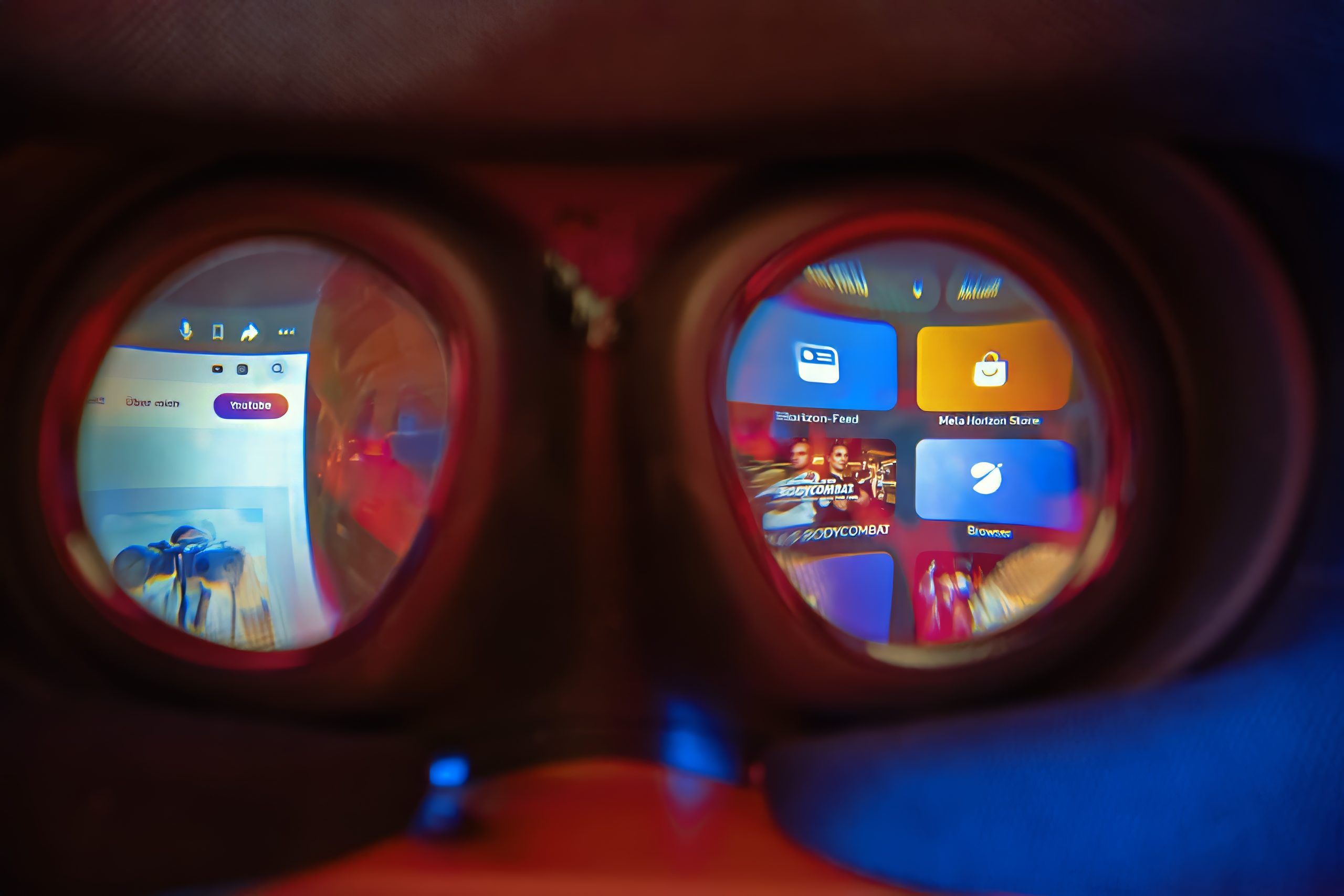
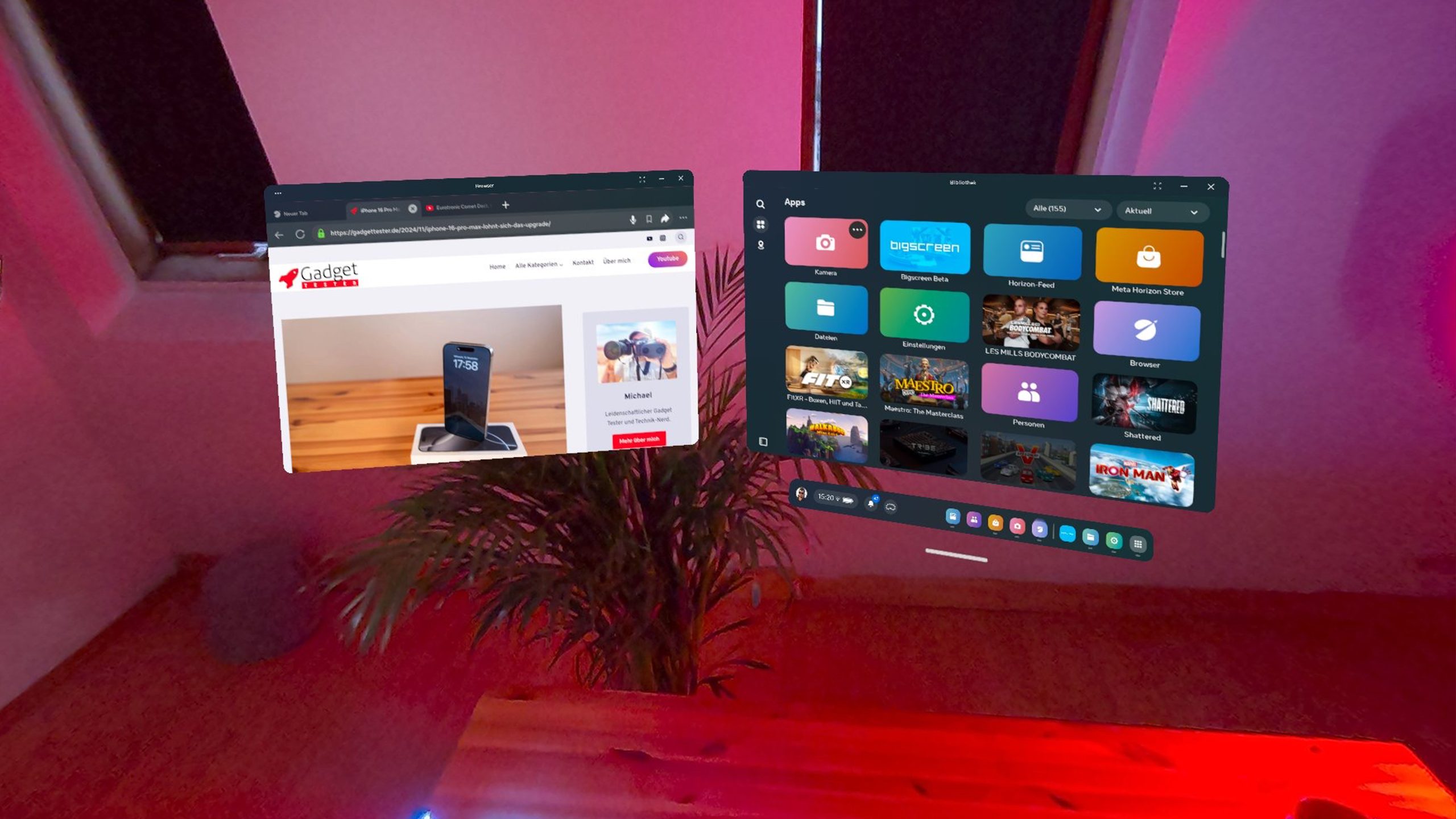
The Difference Between VR Gaming and Traditional Gaming
Traditional Gaming (PC/Console):
When gaming on a PC or console, we use gamepads, keyboards, or mice to control actions in the game. These inputs are abstract imitations of real movements: for example, we press a button to kick a soccer ball, swing a tennis racket, or aim with a weapon. The interaction is indirect and limited to the input devices.
VR Gaming (Virtual Reality):
In VR, this process is being revolutionized: Here, players perform the actions themselves. When a hit, a movement, or an action is required, the player executes it directly.
- Example Fitness: When striking elements in a fitness app, the actual force, speed, and accuracy of the strike are measured. Players can even receive feedback on how to improve their posture or movements.
- Example Sport: In table tennis, players position themselves in front of the virtual table just like in reality and hit the ball with the natural motion of a racket. Similarly, in mini-golf or driving, VR mimics real movements and provides feedback in real-time.
- Example Music: In a game like Maestro, the player stands like a real conductor in front of an orchestra, conducting with a baton and gestures, experiencing the feeling of controlling the performance.
- Example Beat Saber: Here, cubes are sliced with lightsabers – an immersive experience that feels incredibly realistic thanks to the rumble feedback from the controllers and the visual effects.
The Special Thing About VR:
Compared to traditional gaming, players in VR not only experience a simulated world, they interact with it. Movements that would be necessary in reality are mirrored one-to-one in VR. This opens up entirely new possibilities – whether it’s standing in a boxing ring, flying an airplane, or conducting an orchestra.
VR not only brings a game to the screen but also immerses players directly into the simulation – a giant leap for gaming.
FAQ: Virtual Reality and Meta Quest 3 for Beginners
Strengths of the Meta Quest 3
Weaknesses and Areas for Improvement
Despite all the innovations, the Meta Quest 3 also has some weaknesses:
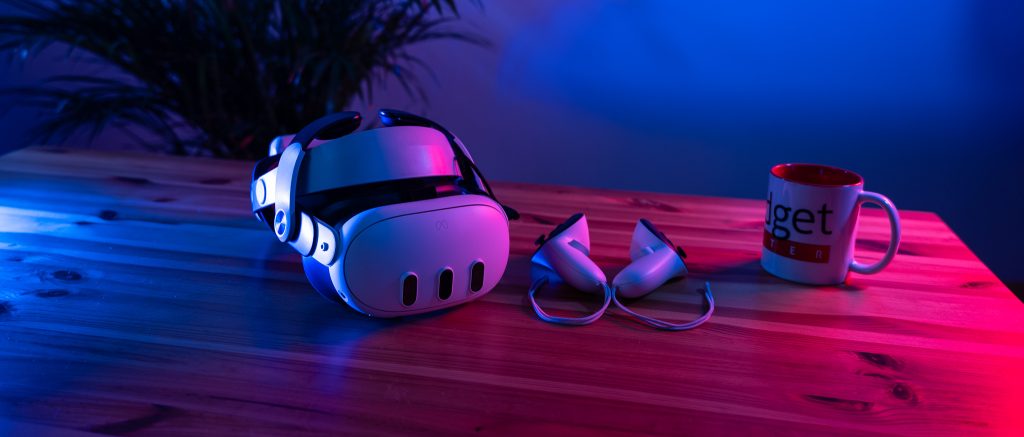
Tips for Quest 3: Get More Out of Your VR Experience
1. Headstrap Upgrade:
Invest in a new head strap!
Why? The battery lasts longer, and the Quest sits more comfortably and securely on your head.
A must-have for longer VR sessions.
2. Quest Games Optimizer:
What does the tool do?
Special Features:
Attention:
3. Recording Tip:
Here’s how to start video recordings:
Press the Quest button and the right trigger until a red dot lights up in the center top of the screen after 2-3 seconds.
4. Conclusion:
Conclusion
The Meta Quest 3 is an impressive piece of hardware and a true milestone in the VR world. It offers outstanding image quality, high immersion, and numerous usage possibilities – whether for gaming, work, or entertainment.
If you want to dive into the world of virtual reality, the Meta Quest 3 comes highly recommended!
Shopping Links
On this page, you will occasionally find links to products on Amazon. If you make a purchase through one of these links, I receive a small commission – the price remains unchanged for you.
By making a purchase, you support my blog and help me continue creating exciting content and reviews for you. Thank you for your support!
Optimum
This is what I would buy today if I had to make the decision again:
Price: 544 Euros
Budget
Alternatively, there is the brand new and more affordable Quest 3s, which is a slightly stripped-down version of the Quest 3:
Price: 329 Euros
Accessories
Must-have:


